Edit
Editing tag values involves assigning or modifying values on existing data reads. Tag definitions themselves can only be modified by the JEDI team.
You can only edit values for user-assigned tags. System-generated tags are automatically populated and cannot be modified.
Prerequisites
- Engineering role is required to assign or edit tag values
- The tag definition must already exist in the system
- You must have access to the data read you want to modify
Editing Tag Values
To modify a tag value that was previously assigned:
Steps
-
Navigate to the data read details (see Searching Tags)
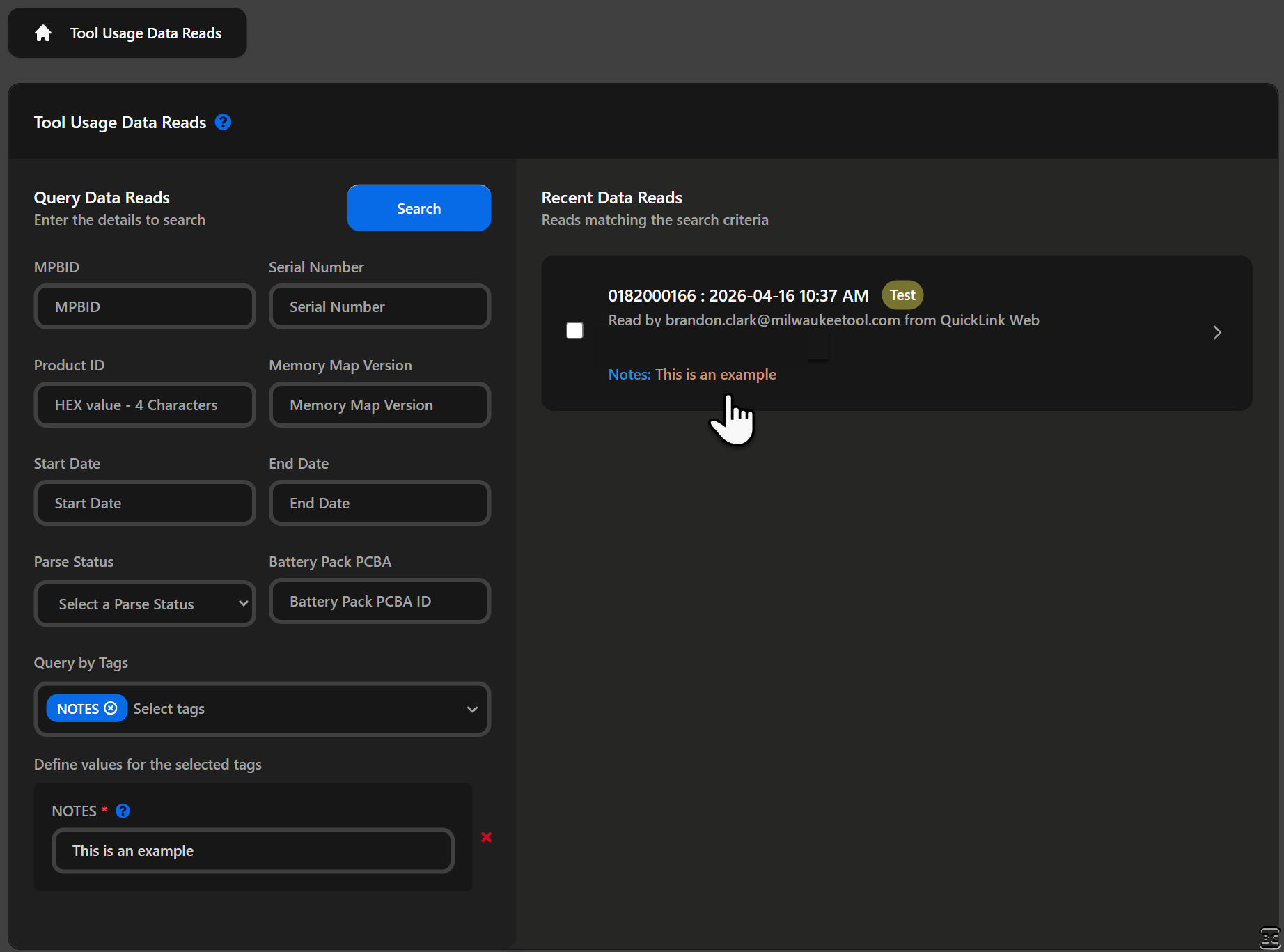
-
Scroll to the Tags section
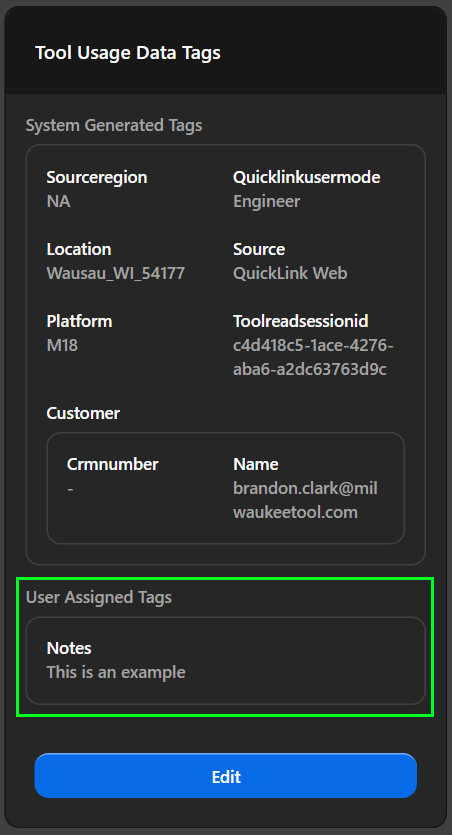
-
Click the Edit/Assign button
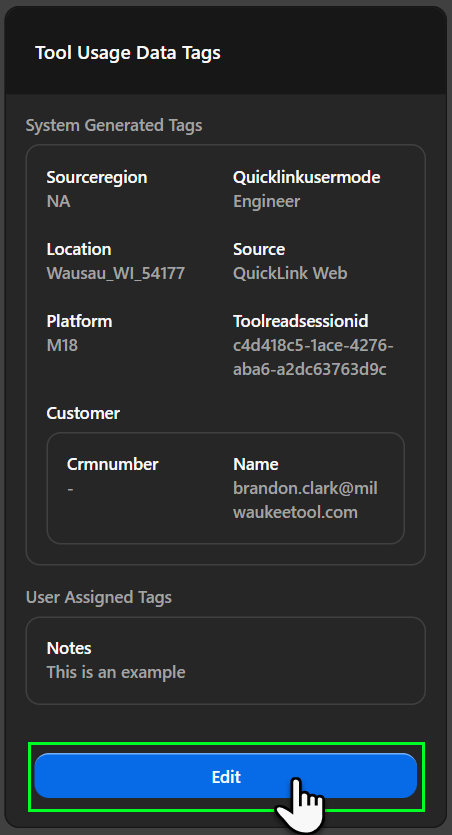
-
Select the tag you want to modify from the dropdown
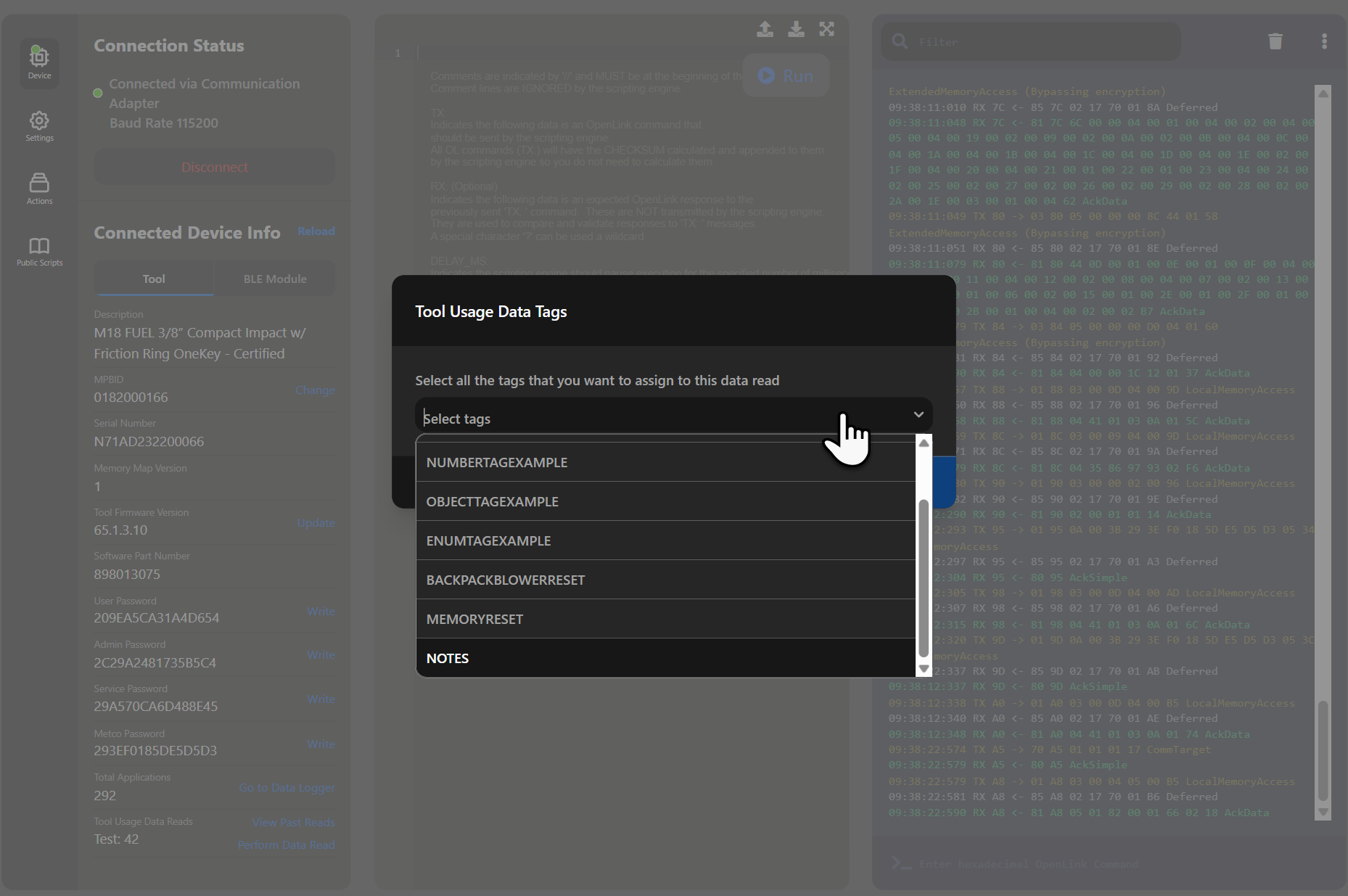
-
Update the value (validated against the tag's type schema)
-
Save your changes by clicking the Save button
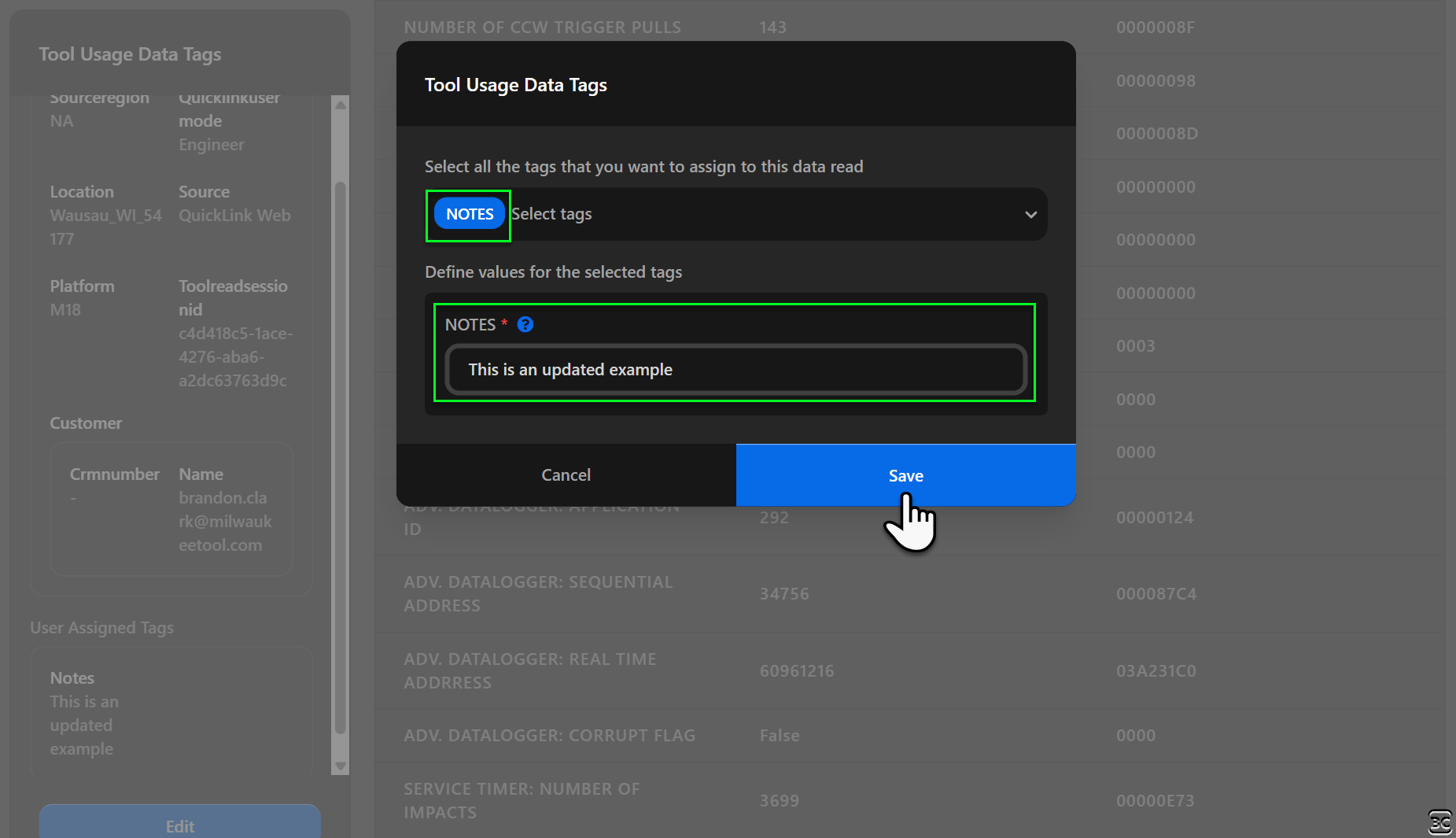
- Values are validated against the tag's defined type
- For enum types, only predefined values are accepted
- For object types, all required properties must be provided
Video Walkthrough
The following video demonstrates the steps above:
Removing Tag Values
To remove a tag from a data read:
- Open the data read details
- In the Tags section, click Edit/Assign
- Clear the value for the tag you want to remove
- Click Save to apply the changes
Requesting Tag Definition Changes
If you need to modify a tag definition (not just the values):
Include the tag name, proposed changes, and justification.
📧 Request Tag ChangeChanges to tag definitions may affect existing data reads that use the tag. The JEDI team will assess the impact before making changes.